Jump to content
View in the app

A better way to browse. Learn more.

Superior Servers Forums

A full-screen app on your home screen with push notifications, badges and more.

To install this app on iOS and iPadOS
  1. Tap the Share icon in Safari
  2. Scroll the menu and tap Add to Home Screen.
  3. Tap Add in the top-right corner.
To install this app on Android
  1. Tap the 3-dot menu (⋮) in the top-right corner of the browser.
  2. Tap Add to Home screen or Install app.
  3. Confirm by tapping Install.

Dior

VIP
  • Joined

  • Last visited

  1. give me the old stuff 👉🥺👈
  2. Actual good update… woooahh!!
  3. Willylanos started following Dior
  4. Dior started following Gibby
  5. I’m batchesting so hard rn
  6. sway started following Dior
  7. Gibby started following Dior
  8. Dior started following Chieko
  9. Dior started following Mellow.
  10. Dior replied to aStonedPenguin's topic in Announcements
    @KewpJ@Silva
  11. Dior started following charl batson
  12. Dior started following SLAV
  13. Supreme-K started following Dior
  14. BeanZ started following Dior
  15. Bring back coffee
  16. 101 winners, bring back taser and coffee
  17. is taser refundable?
  18. If I refund the merch will I get perma banned?
  19. Dior replied to aStonedPenguin's topic in Announcements
    worst wipe in sup history
  20. bring back old taser
  21. Any chance you gonna make a perma rape? Would pay top dollar for that.
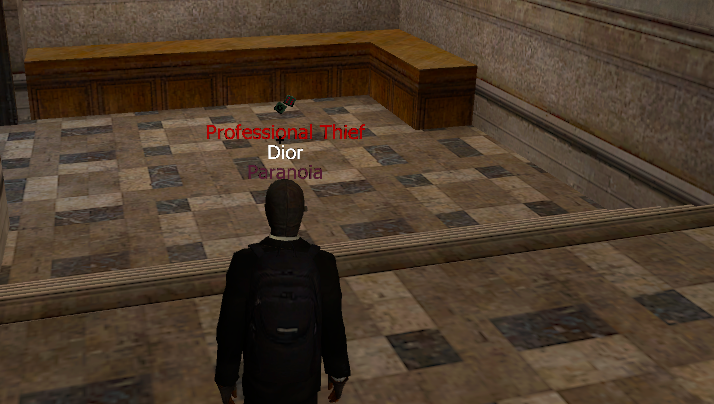
  22. good shit weren't these stairs higher b4?
Configure browser push notifications

Chrome (Android)
  1. Tap the lock icon next to the address bar.
  2. Tap Permissions → Notifications.
  3. Adjust your preference.
Chrome (Desktop)
  1. Click the padlock icon in the address bar.
  2. Select Site settings.
  3. Find Notifications and adjust your preference.