Jump to content
View in the app

A better way to browse. Learn more.

Superior Servers Forums

A full-screen app on your home screen with push notifications, badges and more.

To install this app on iOS and iPadOS
  1. Tap the Share icon in Safari
  2. Scroll the menu and tap Add to Home Screen.
  3. Tap Add in the top-right corner.
To install this app on Android
  1. Tap the 3-dot menu (⋮) in the top-right corner of the browser.
  2. Tap Add to Home screen or Install app.
  3. Confirm by tapping Install.

coleus

VIP
  • Joined

  • Last visited

  1. Chad5 started following coleus
  2. coleus changed their profile photo
  3. youre really not trying that hard
  4. Eric started following coleus
  5. we are entering counter blox territory with those skins
  6. 𝔹𝕃𝕌ℝℝ𝕐 started following coleus
  7. Samson started following coleus
  8. HarryPotHead started following coleus
  9. coleus started following ZAD
  10. coleus started following glilon
  11. coleus replied to sza's topic in Announcements
    org history on dark rp 😈
  12. you missed the joke
  13. raid meta gonna be so shit now
  14. this is what i'm talking about
  15. rip the hotel manager
  16. 305c7542d58ff18b9c2f10b242c762b3.mp4
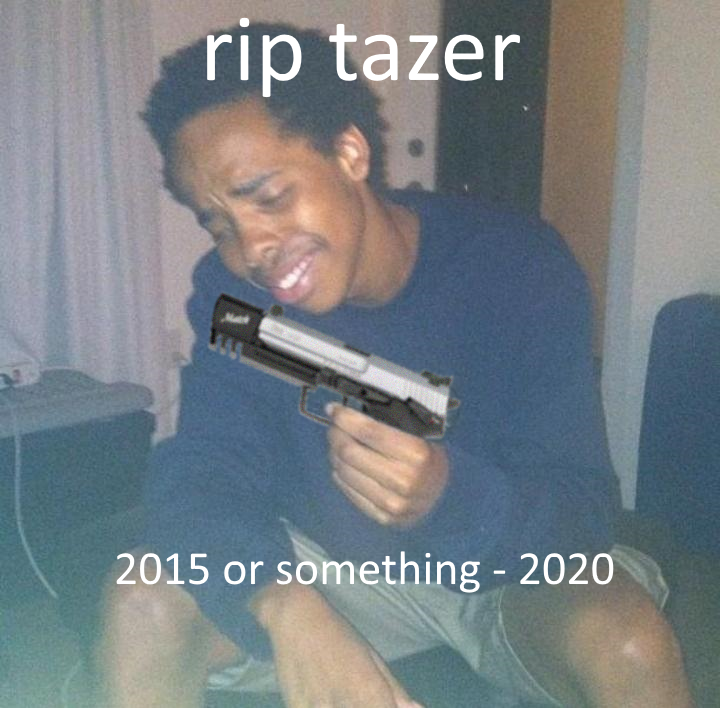
  17. may the tazer rest in peace
  18. bouta cop me a bikini

Configure browser push notifications

Chrome (Android)
  1. Tap the lock icon next to the address bar.
  2. Tap Permissions → Notifications.
  3. Adjust your preference.
Chrome (Desktop)
  1. Click the padlock icon in the address bar.
  2. Select Site settings.
  3. Find Notifications and adjust your preference.