





Jump to content
View in the app

A better way to browse. Learn more.

Superior Servers Forums

A full-screen app on your home screen with push notifications, badges and more.

To install this app on iOS and iPadOS
  1. Tap the Share icon in Safari
  2. Scroll the menu and tap Add to Home Screen.
  3. Tap Add in the top-right corner.
To install this app on Android
  1. Tap the 3-dot menu (⋮) in the top-right corner of the browser.
  2. Tap Add to Home screen or Install app.
  3. Confirm by tapping Install.

John Gulbune

VIP
  • Joined

  • Last visited

Everything posted by John Gulbune

  1. this got me jailed thanks w update
  2. Ngl a little disappointed
  3. Gotta upload all the nudes to the cloud.
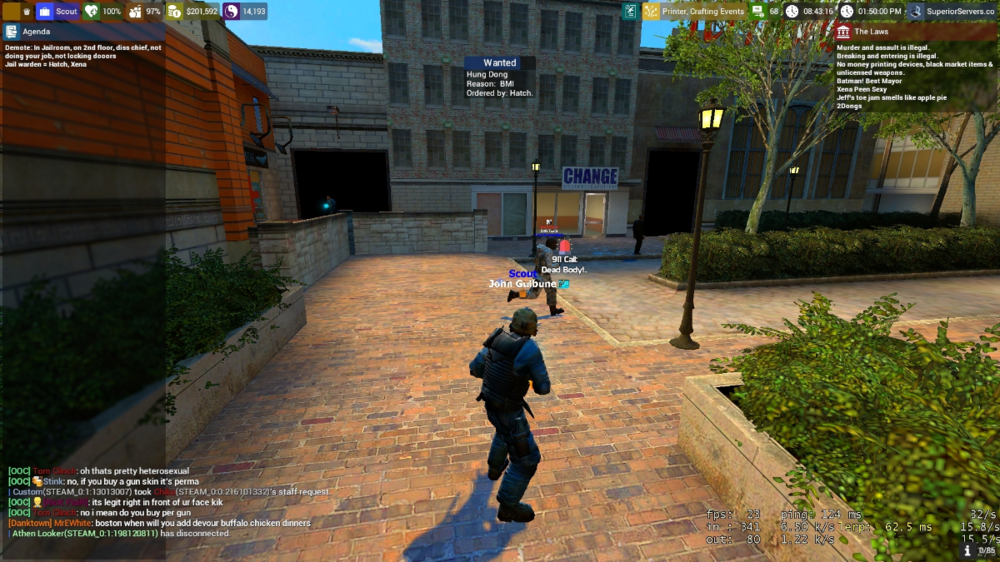
  4. Not sure if this is happening for anyone else but since update my agenda is huge and very annoying, whole left side of my screen is tinted. Edit- Went cop again a good while later and its not happening. However one other person did mention in OOC having the same problem. Not sure whats up.
  5. If anyone wondering, the material removed was the LAG Material. When used on wooden telephone pole, both sizes, 98% of the pole was invisible, just a smidge on the bottom was red.

Configure browser push notifications

Chrome (Android)
  1. Tap the lock icon next to the address bar.
  2. Tap Permissions → Notifications.
  3. Adjust your preference.
Chrome (Desktop)
  1. Click the padlock icon in the address bar.
  2. Select Site settings.
  3. Find Notifications and adjust your preference.