







Danny Reinheld
Administrator
-
Joined
-
Last visited
Everything posted by Danny Reinheld
-
 Nice SUPdate.
 -
Lovely.
-
Oooh nice
-
Think fast, chucklenuts.
-
Nice
-
Bruh y'all complaining about an exploit being patched like what? The healing drop-off was added for a reason. Call me crazy but being able to survive long-ass fights 1v10 by chugging milk the whole time is the one thing that Penguin hoped to stop.
-
Ahem, you mean: LET'S GOOOOOOOOOOOOO
-
Pretty sure Penguin mentioned adding an "expand all" button to make this easier.
-
Wait, so this would be viable? If so, I need to get building ASAP.
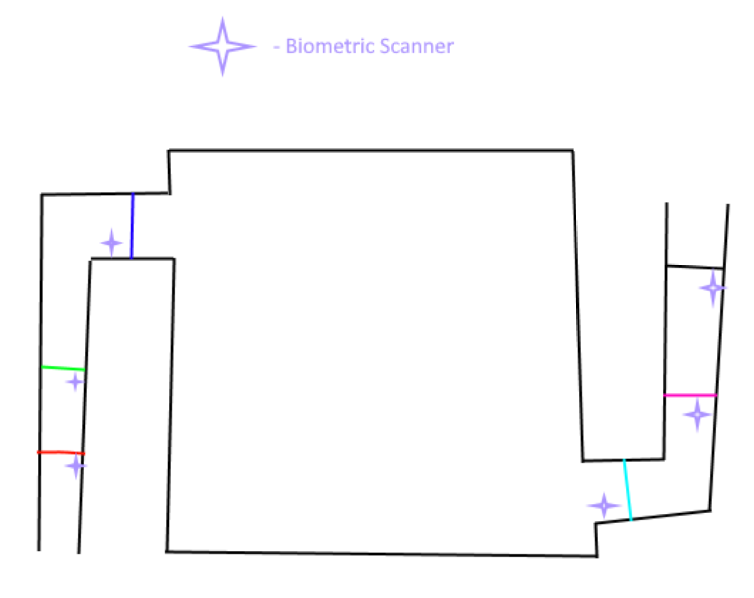
-
Wasn't griefing just made allowed recently? Or is this like building props on other people's stuff kind of thing?
-
NICE
-
-
Nice!
-
Woo!
-
Oh, the mayhem these grenades shall bring. >:)
-
Karma Sink has evolved! What mad lad discovered this? Always good to see. 😄 Pog update. Pog Penguin.
-
we alive!!!!
-
Hi
-
Legendary update
-
Nice! 👍
-
Nice
-
I no longer have to stare at the top-right corner of my screen to see whether or not I get wanted while dicking with cops! Nice! As for everything else... Also good. 🙂
-
Nice
-
Anyone else have a stroke trying to read this?
-
Huh. Never noticed it. Only ever saw the giant pick and the progress bar. Lol.


