







Marcy
VIP
-
Joined
-
Last visited
Everything posted by Marcy
-

-
Damn, never going on DarkRP again, I can't rape people.
-
This, my friend, is poggers.
-
tf is the ARC class.
-
My cat shits in the bathroom if we leave the door open.
-
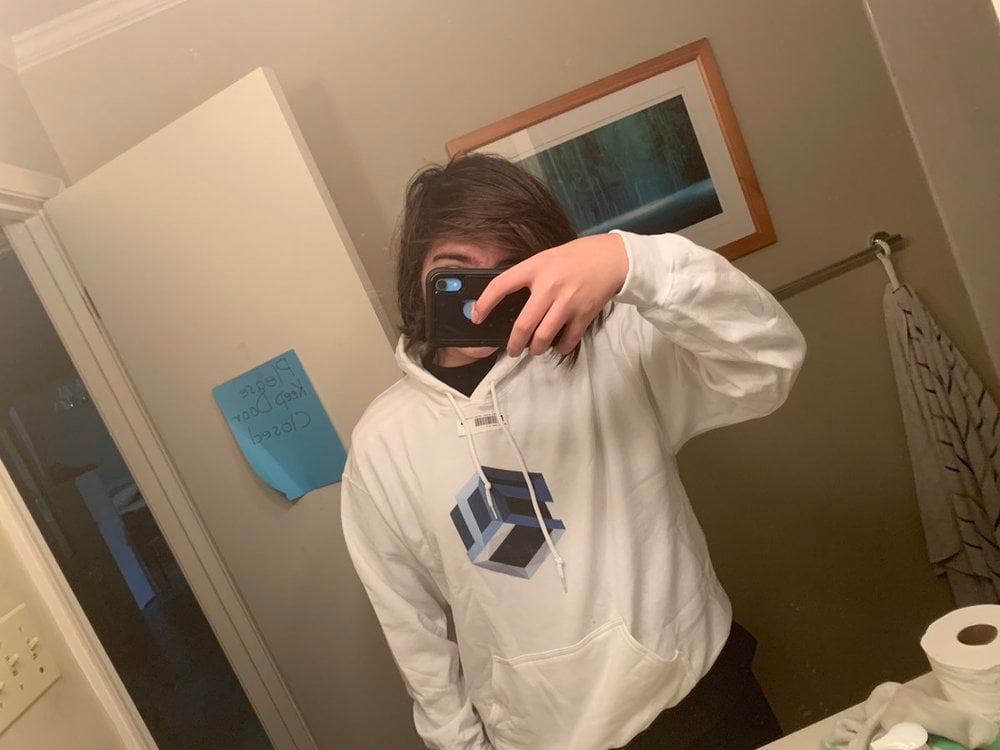
Shit took so long to arrive. But, I got it!
-
I never liked the minefield. But I dont even go on MilRP anymore so my opinion is completely invalid. Other than that, cool update Scott.
-
SUP Sneakers would be dope as fuck. Don’t add them though cause I’ll cry cause I don’t have money.
-
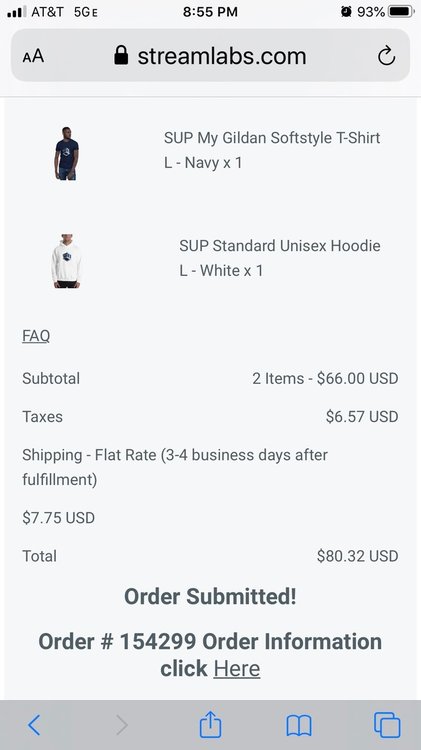
I wish I had even more extra money laying around that way I could get a mousepad and a case and shit like that. But I already spent 80 buckaroonis on a T-Shirt and a Hoodie, please love me Penguin, that was all my money.
-
Let them try to put my fat ass in a locker.
-
What else would I wear? Normal clothes?
-
I'm experiencing technical difficulties while trying to cop a Hoodie and a T-Shirt, and I'm sweating like hell because I need clothes for next year at school, and 90% of the clothes I own arent "School appropriate" but the stuff thats on here is so I really fucking need it lmfao.
-
-
#RFIsAlsoOnTopYouStupidHead
-
New ranks. Hell yeahh. Thank you Scott for listening to my suggestions on the forums!
-
I thought this was just a god tier shitpost by scott for a few minutes. Congrats Krassz and Walker!
-
Finally a vehicle I can afford! Nice Update!


