Jump to content
View in the app

A better way to browse. Learn more.

Superior Servers Forums

A full-screen app on your home screen with push notifications, badges and more.

To install this app on iOS and iPadOS
  1. Tap the Share icon in Safari
  2. Scroll the menu and tap Add to Home Screen.
  3. Tap Add in the top-right corner.
To install this app on Android
  1. Tap the 3-dot menu (⋮) in the top-right corner of the browser.
  2. Tap Add to Home screen or Install app.
  3. Confirm by tapping Install.

Jecko

VIP
  • Joined

  • Last visited

  1. Jecko started following LMMLogan
  2. LMMLogan started following Jecko
  3. Sommer Ray started following Jecko
  4. Jecko started following Sommer Ray
  5. Jecko changed their profile photo
  6. Nomu started following Jecko
  7. 1. R.I.P. RM ❤️ 2. Congrats, nice ARF models 41st 👌
  8. Jecko started following Ozbi
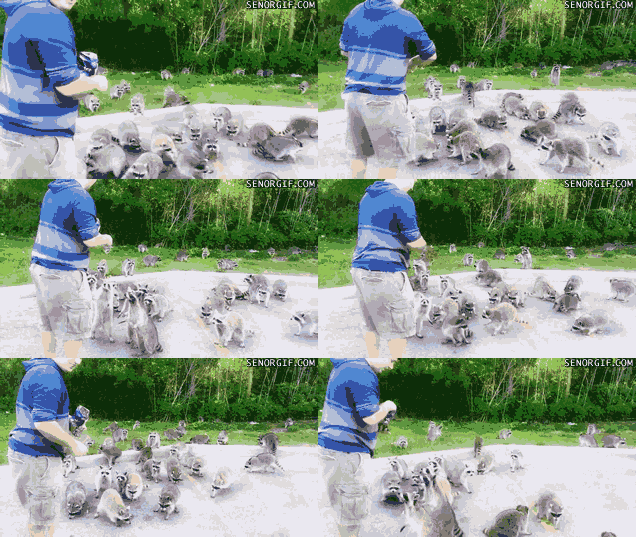
  9. Sounds like fun. Definitely gonna enjoy digging though trash cans and dumpster diving! Me and the gang:
  10. In reality, this is a go fund me for the DU.... lmao
  11. Jecko started following Wolffe
  12. Jecko started following Beck
  13. Xeno | Xenocide44 started following Jecko
  14. Arctic_ started following Jecko
  15. Sounds like a lot of Jedi stuff, they’re getting Some good mechanical changes it seems.
  16. Sweet! Scott used my X/Y grid idea! thanks @Scott!

  17. This update is great, thanks Scott you've done well! (R.I.P. ARF 2018) (R.I.P. Stan Lee 2018) (R.I.P. my FPS)
  18. This is absolutely dope, can’t wait!
Configure browser push notifications

Chrome (Android)
  1. Tap the lock icon next to the address bar.
  2. Tap Permissions → Notifications.
  3. Adjust your preference.
Chrome (Desktop)
  1. Click the padlock icon in the address bar.
  2. Select Site settings.
  3. Find Notifications and adjust your preference.