







SpaceGandalf
Super Admin
-
Joined
-
Last visited
-
 CaliHomeGrown
 -
WHO CAME UP WITH THESE EXCELLENT IDEAS OH MY GOD. FR FR, Mug swep was on the trello for like ever. It's really good we have a mug system now.
-
Where are the Christmas decorations
-
Great update as always cuh
-
starting to think its not a joke anymore
-
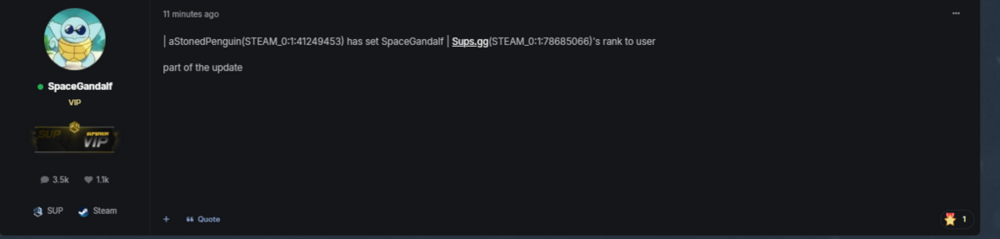
| aStonedPenguin(STEAM_0:1:41249453) has set SpaceGandalf | Sups.gg(STEAM_0:1:78685066)'s rank to user part of the update
-
Get a bouncer on the table
-
Absolutely fire shyt
-
nice clickbait
-
mikey should sacrifice his rp cash to help the economy.
-
LEZZZ GOOOO time to spam the suggestion thread fellers
-
just start professionally dumpster diving
-
Can u just pin a duplicate of the forum rules onto the question thread? i.e What are the Forum Rules? Here they are spacegandalf:
-
Can we put a forum rules somewhere easily accessible to everybody? Like on the portal page or something? Maybe a duplicate post pinned under questions, announcements, and in a few other channels?
-
it’s actually so funny to give cwrp a drug dealer. vapes on deployment is really not a terrible idea.


