







kumo.
VIP
-
Joined
-
Last visited
Everything posted by kumo.
-
 I'm going to put a gun up my ass and kill all the prisoners.
 -
good update
-
Goated update!
-
congrats 🙂
-
-
RIP OOC events
-
all i see is good content
-
nice upd
-
-
take my money..
-
Garry Bot is built different, thanks.
-
sounds good
-
time to no-life these presents
-
immerse yourselves
-
riot shield push is built different
-
Pocket UI is pretty clean ngl, good update.
-
i just bought some credits yesterday, rip
-
Making a wall of machines currently, good update
-
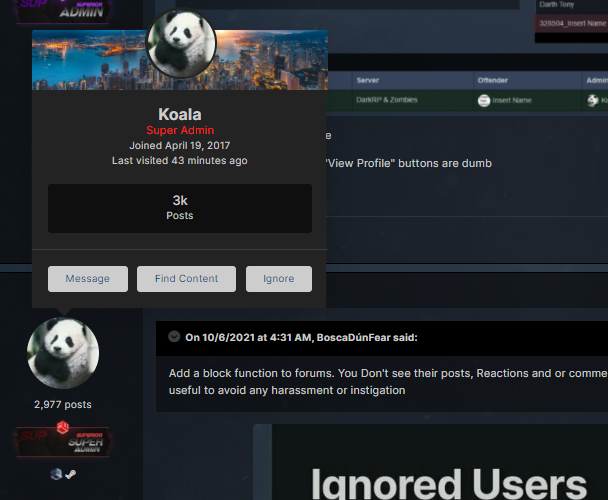
Add a follow button on this little menu, small QoL.
-
I'm enjoying the jack-o-lanterns scattered everywhere, we should do themes more often for different holidays. good update
-
Game changer, nice update.
-
bring back forum profile bios
-
good update
-
-
achievement ui menu is nice


