Jump to content
View in the app

A better way to browse. Learn more.

Superior Servers Forums

A full-screen app on your home screen with push notifications, badges and more.

To install this app on iOS and iPadOS
  1. Tap the Share icon in Safari
  2. Scroll the menu and tap Add to Home Screen.
  3. Tap Add in the top-right corner.
To install this app on Android
  1. Tap the 3-dot menu (⋮) in the top-right corner of the browser.
  2. Tap Add to Home screen or Install app.
  3. Confirm by tapping Install.

Username-1

VIP
  • Joined

  • Last visited

  1. Saoirse started following Username-1
  2. Money started following Username-1
  3. Cammmmm started following Username-1
  4. Centre this button for mobile Also toggleable effects (snow, seasonal) in settings
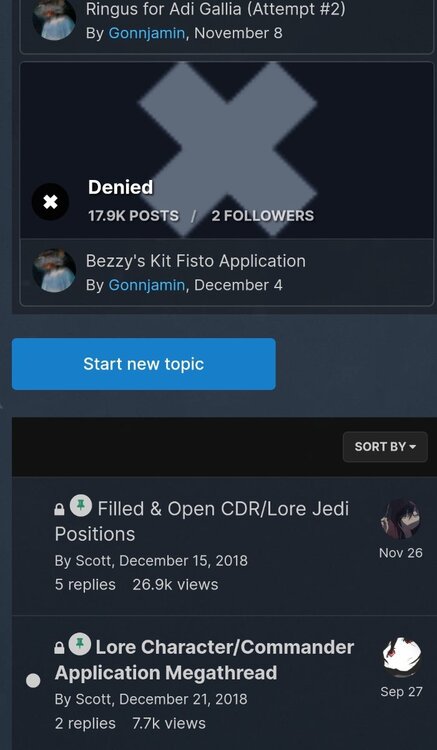
  5. Possibly changing search and filter button to match search button colour?
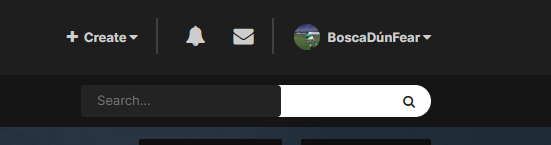
  6. Username-1 started following Rose
  7. Rose started following Username-1
  8. Username-1 started following aStonedPenguin
  9. When copy and pasting pictures / images sometimes it uploads the same image twice into attachments. Also would be cool to have the addition of filtering by pinned topics when searching (I spent 10 minutes looking for this thread)
  10. was wondering where my fifth one went....
  11. Awesome. More area trigger stuff
  12. Thank you @aStonedPenguin
  13. I can now see why kinder eggs are banned in America
  14. Bought me some already. Tuff
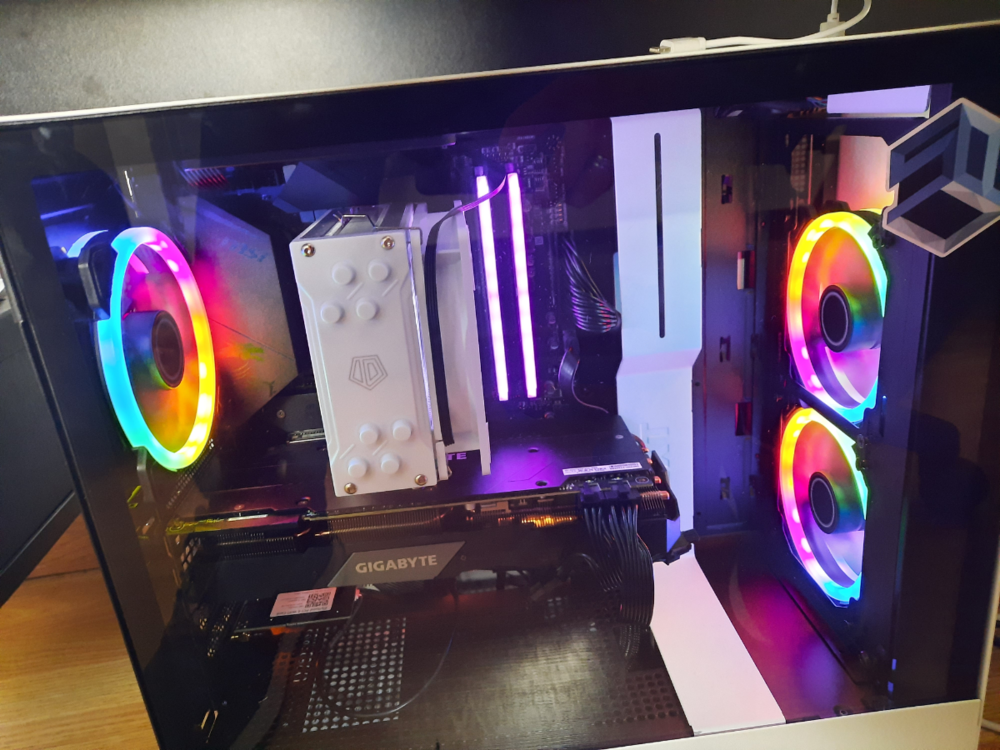
  15. Copped em. Woke up, they were on same and managed to condense hours of fixing ethernet into 15 mins. Sup pc case soon
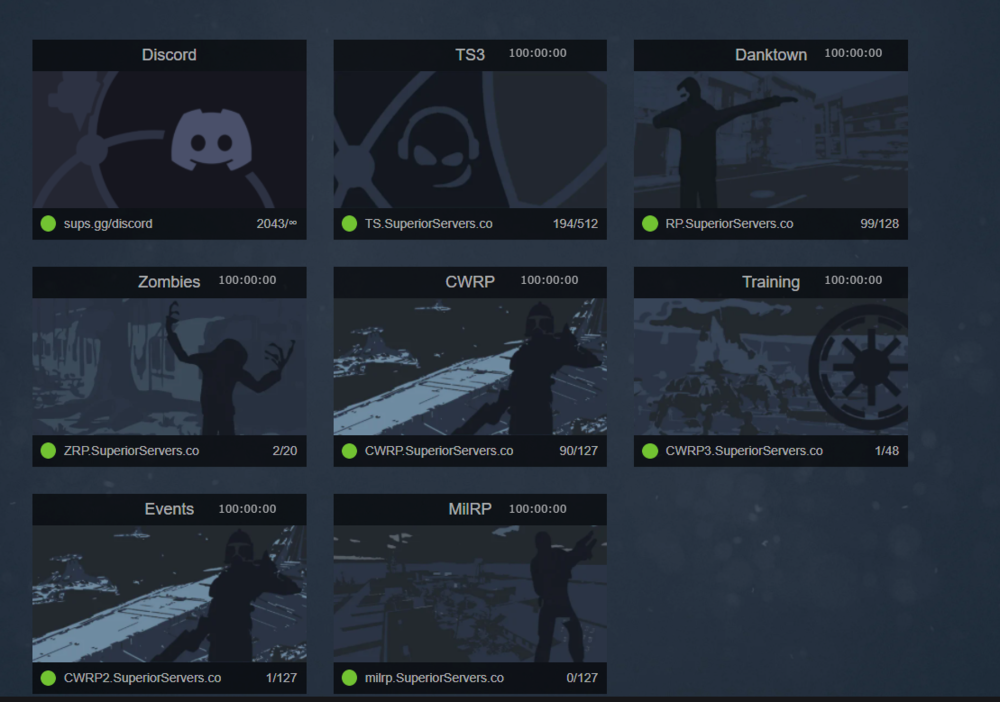
  16. Uptime shown in the portal.
  17. Awesome update
  18. Awesome update

Configure browser push notifications

Chrome (Android)
  1. Tap the lock icon next to the address bar.
  2. Tap Permissions → Notifications.
  3. Adjust your preference.
Chrome (Desktop)
  1. Click the padlock icon in the address bar.
  2. Select Site settings.
  3. Find Notifications and adjust your preference.