Kaaaiii
Administrator
-
Joined
-
Last visited
Everything posted by Kaaaiii
-
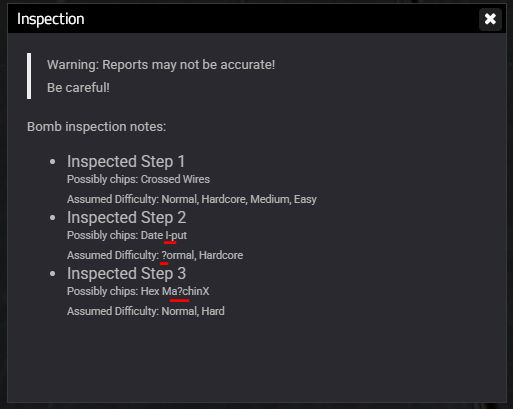
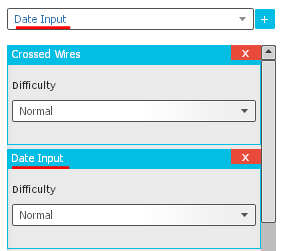
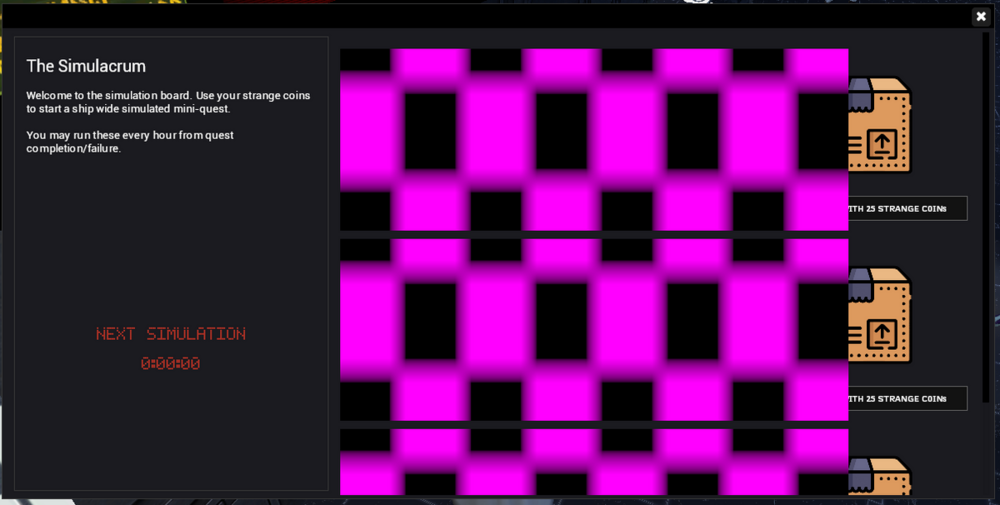
 I'm unaware if these issues had been raised to you but there are a few things that I found when testing these updates. The inspection menu for the EOD Toolkit has random characters. (Unless it's done on purpose) Data-Input has a typo and is called Date-Input in the Hackables Tool. Simulacrum is just a bunch of error textures. Other than that, update is goated.