






Jun Pusso
Administrator
-
Joined
-
Last visited
Everything posted by Jun Pusso
-
 IT'S CALLED MOTION TWIN!!!!
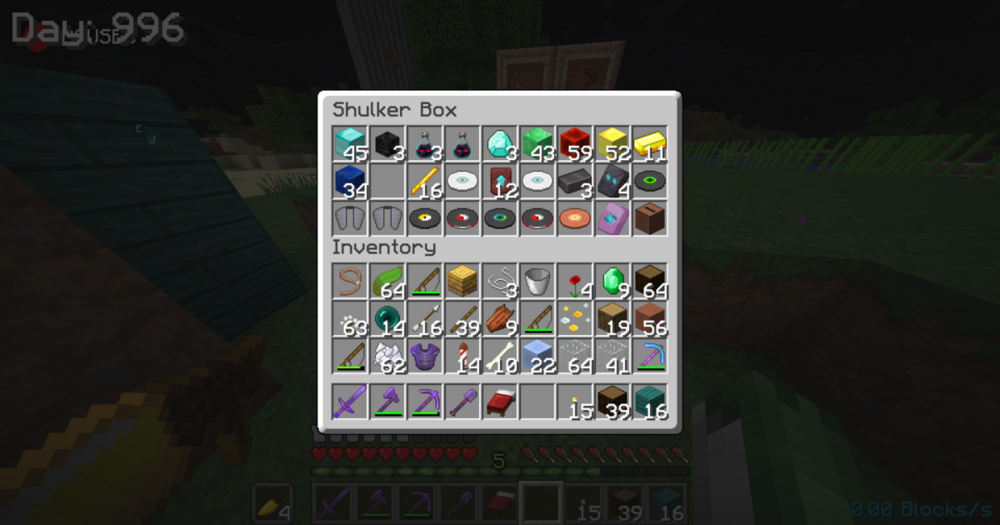 This guy just came out the cave fr. welcome back 🫡
 Fire. @aStonedPenguin join my org. (im half joking, please dont hurt me.)
This update: https://www.youtube.com/watch?v=Og_eY9tcLgA
@aStonedPenguinnot slick, you is not batman (lets get lightsabers into DRP already)
Fire. @aStonedPenguin join my org. (im half joking, please dont hurt me.)
This update: https://www.youtube.com/watch?v=Og_eY9tcLgA
@aStonedPenguinnot slick, you is not batman (lets get lightsabers into DRP already) @Kastalingterminals are BMI again, we cop mains are up.
16 minutes ago is crazy
W update, also "just now" is crazy (already updated the staff bind)
lma0 you still owe me drug money
This update af:
@Kastalingterminals are BMI again, we cop mains are up.
16 minutes ago is crazy
W update, also "just now" is crazy (already updated the staff bind)
lma0 you still owe me drug money
This update af: Me n the homies ballin cause we selling random shit @Peter Heimlich @SpaceGandalf @ZAD

 MrEwhite before it got fixed: I just cant do it! i cant take this shit no more man..mp4
yesyesyes.mp4
MrEwhite before it got fixed: I just cant do it! i cant take this shit no more man..mp4
yesyesyes.mp4
Account
Search
Configure browser push notifications
Chrome (Android)
- Tap the lock icon next to the address bar.
- Tap Permissions → Notifications.
- Adjust your preference.
Chrome (Desktop)
- Click the padlock icon in the address bar.
- Select Site settings.
- Find Notifications and adjust your preference.
Safari (iOS 16.4+)
- Ensure the site is installed via Add to Home Screen.
- Open Settings App → Notifications.
- Find your app name and adjust your preference.
Safari (macOS)
- Go to Safari → Preferences.
- Click the Websites tab.
- Select Notifications in the sidebar.
- Find this website and adjust your preference.
Edge (Android)
- Tap the lock icon next to the address bar.
- Tap Permissions.
- Find Notifications and adjust your preference.
Edge (Desktop)
- Click the padlock icon in the address bar.
- Click Permissions for this site.
- Find Notifications and adjust your preference.
Firefox (Android)
- Go to Settings → Site permissions.
- Tap Notifications.
- Find this site in the list and adjust your preference.
Firefox (Desktop)
- Open Firefox Settings.
- Search for Notifications.
- Find this site in the list and adjust your preference.


