






Saoirse
VIP
-
Joined
-
Last visited
Everything posted by Saoirse
-
 'tis a shame those 100 people didn't stay around...
 -
Real, it didn't even last a year
-
Muggers will see this and just think "hell yeah"
-
Fr I kinda prefer Batuu in some ways over the Liberator
-
It's that time o' the year.

-
That's true, it was kinda annoying in that regard.
-
LOL THAT'S WHAT I'M SAYIN' Otherwise W update
-
+yes wow haha so funny
But I already dumbed half of Garry Bot's posts... I can't take them back now. They give you health. Also I believe that the Jedi still do the thing with the manhacks.
Congrats on CO gangsta, you'd better run some fire events ❤️🔥
He's no longer a Root.
 W update, I'm definitely gonna find something to do with that zombie event job tho 👀
Everyone's moving up. 👨👦
I like my new hat. Thoughts, @Eric?
W update, I'm definitely gonna find something to do with that zombie event job tho 👀
Everyone's moving up. 👨👦
I like my new hat. Thoughts, @Eric?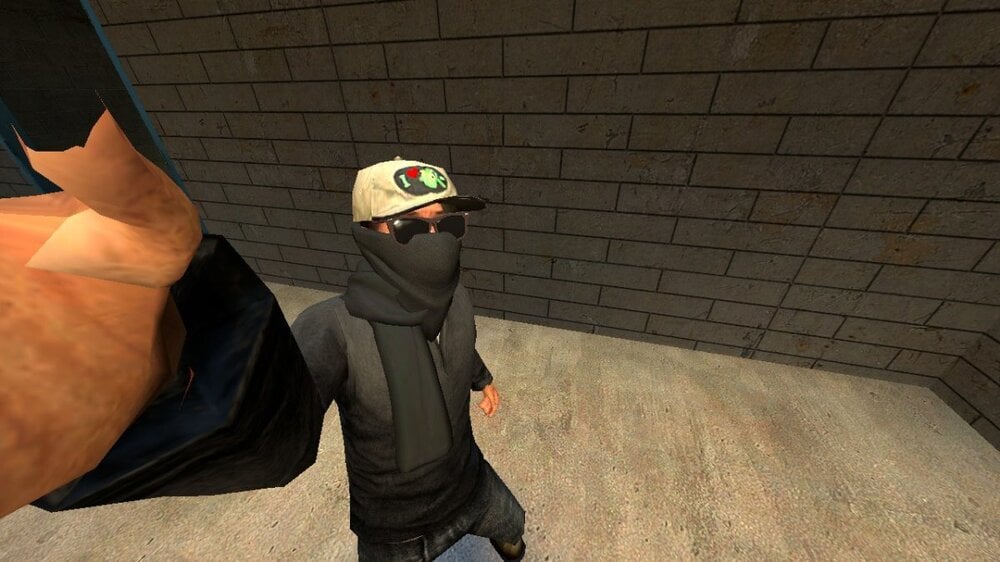 Thank fuck. I sincerely hope that this fix will potentially lessen the amount of sits called regarding this issue.
Yes ma'am he is.
Happy birthday, VHS! 🎂 🎉🥳
Actually, I was first
I'm glad to see that you got Council, @Brent Floyd! I'm rather regretful since I couldn't see it in real-time due to my LOA, but congrats! You deserve it, bro. It'll take me some time to get used to seeing your name in blue now; I've been so used to seeing it in red.
@Dawave yooooo it's here!!!
This comment reminds me of @Jun Pusso.
I've never seen so many people looking at one post.
Thank fuck. I sincerely hope that this fix will potentially lessen the amount of sits called regarding this issue.
Yes ma'am he is.
Happy birthday, VHS! 🎂 🎉🥳
Actually, I was first
I'm glad to see that you got Council, @Brent Floyd! I'm rather regretful since I couldn't see it in real-time due to my LOA, but congrats! You deserve it, bro. It'll take me some time to get used to seeing your name in blue now; I've been so used to seeing it in red.
@Dawave yooooo it's here!!!
This comment reminds me of @Jun Pusso.
I've never seen so many people looking at one post.


