





.jpg.7635143e788cde3b4dad3a8b96395d46.jpg)

Azn
VIP
-
Joined
-
Last visited
-
 Azn changed their profile photo
 -
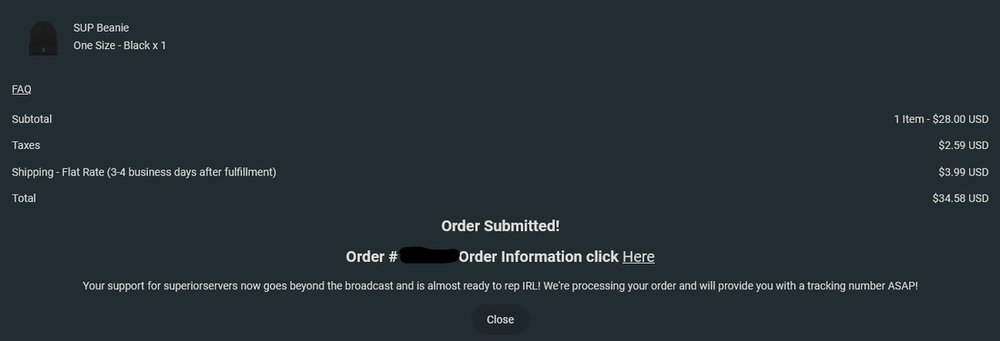
Fuck yes. I need to replace my beanie I've been wearing anyways (the best part is that I manage to snatch the last one before it was sold out)
-
Sign up for NATO, and we will you a giant glock upon doing so.
-
So this is a thing... We are clearly evolving from Humanity
-
That’s a 75k lost thou
-
Sweet, now I don't need to worry about losing a whole entire shipment of C4s I spent. Still gonna lose the c4 thou... 😞
-
Then get a grenade?. A grenade is literally cheap and if you can't even afford that, you shouldn't even attempt to destroy the MRAP in the first place. And as for the part of not being able to hit the MRAP, just go near a wall or obstacle and have the MRAP hit it by any method. That shit does works btw and I almost got killed because of such action.
-
I would just like to point out that the MRAP is not INVINCIBLE as it can be destroyed with a few grenades. The MRAPs has 800 health and can be easily destroyed with a few grenades and or RPGs.
-
Accurate Also a very nice update, however, it has been almost a month since an update and what happened to the SAS class?
-
Alright, time to suffer for 30 mins

