







Dan-Shredder
VIP
-
Joined
-
Last visited
Everything posted by Dan-Shredder
-
 just put some lights down
 -
didn't even work dissapointment
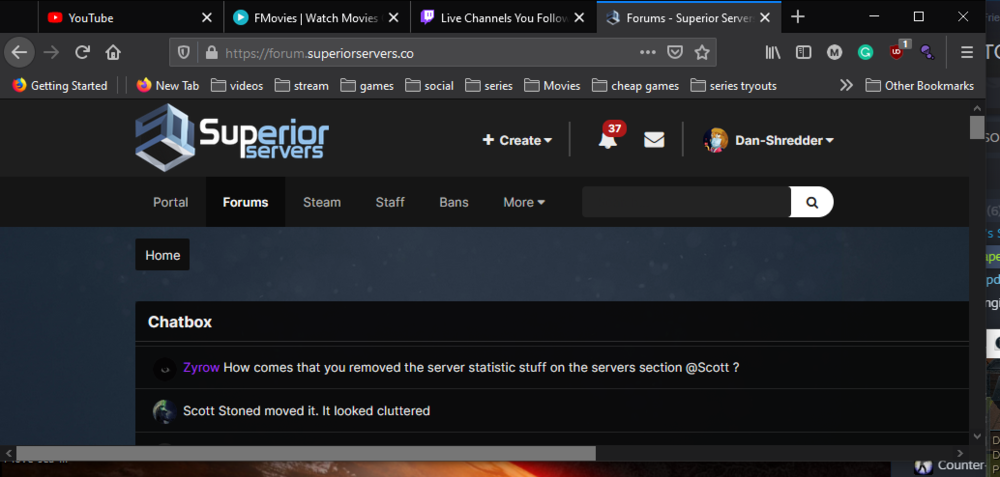
also something seems off with the stats on top in the profile page when resized compared to
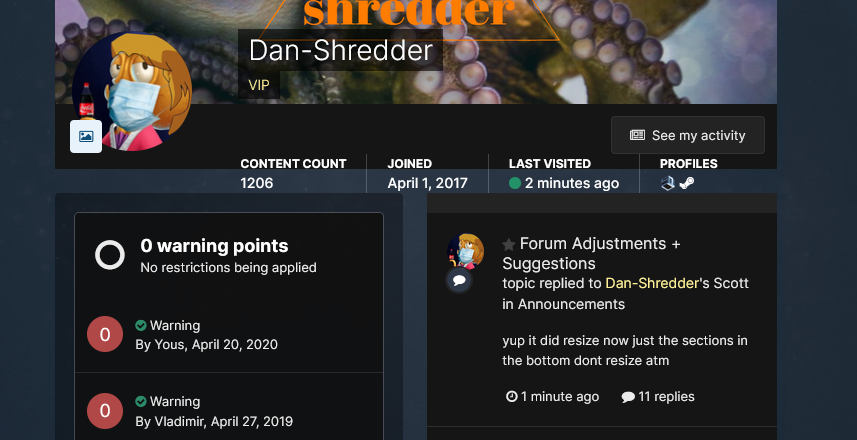
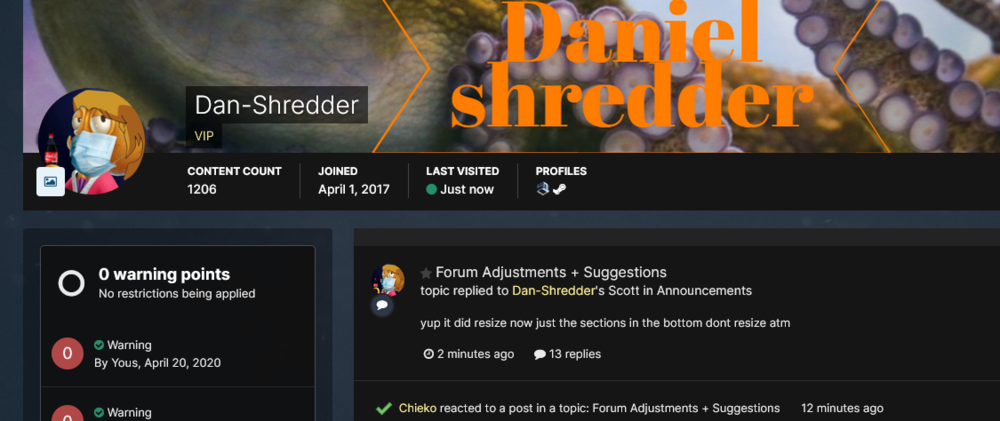 yup it did resize now just the sections in the bottom dont resize atm
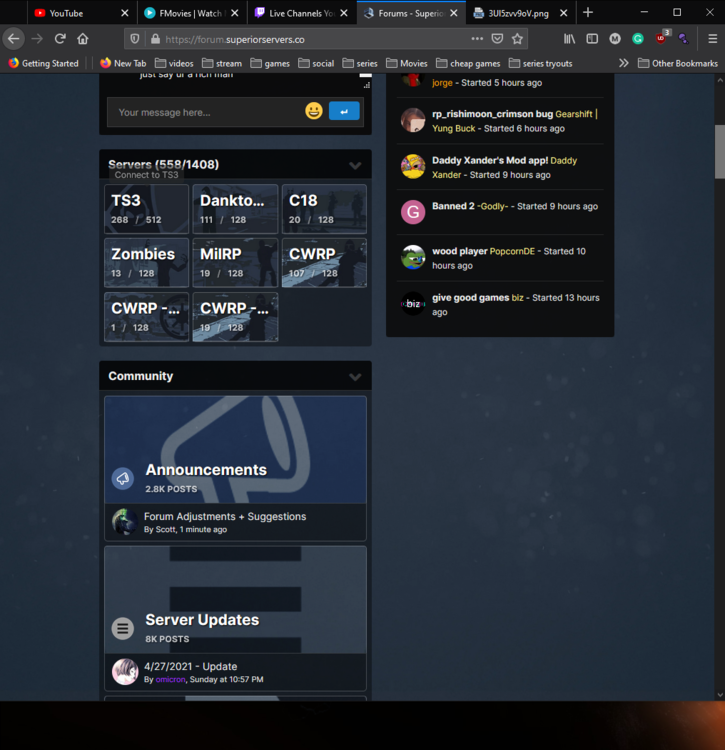 i rarely have my browser full screen and this is all i see now when not fullscreen it resized on the old one could it be possible to make it do that again on the new one ?
 well you know i know what they are its more of why those why so big its a weird ass fucking lamp
WTF are thoooose 🤢
well you know i know what they are its more of why those why so big its a weird ass fucking lamp
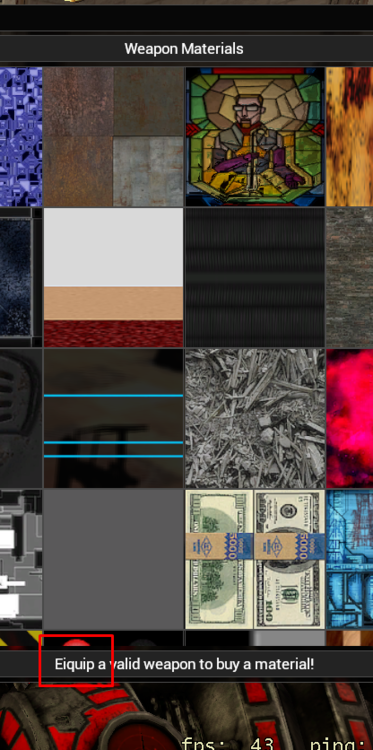
WTF are thoooose 🤢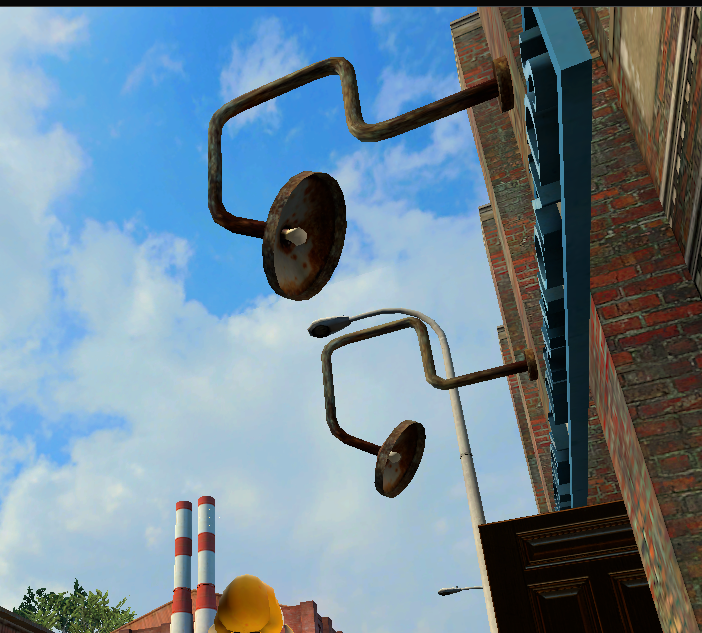 @aStonedPenguin little spelling error there.
 we all good now no lawuits coming your way phew that was a close one
i'm pretty sure this update includes some stuff that breaks some laws in my country
hmm ? its like a NEW old forums prepare the salt inregards of the reputation
this is amazing congratulations !!!!!!
My "Net_graph 4" right now: http://prntscr.com/gig66l Latency for EU Has a slight drop and no lag spikes so far stability seems fine on ZRP right now (i'm using wifi) I would try to spawn some stuff and try some stuff and stress test it but i feel that would be a dumb idea, and might crash it. so i'm not going to do that without permission. :p Maybe hosting a big event on ZRP would be a safer way to stress test it as this has proven to be the cause of a lot of lagg messages on Danktown when we use big dupes and or spawn a lot of entities. nvm :kappahd:
I love the update, but the new ban page takes a lot of time to update with new bans I'm comparing the old ban page with the new one refreshing the new one and it has been over 10minutes and the most recent ban has not been added to the new page yet Edit: Ok so it has been 35minutes now i don't know why this is it seems it might update if a new ban is added but this seems like it was not intended this way https://gyazo.com/79eb9ceb985d38869acefad10635fbe1 https://gyazo.com/e30e2f637548eba3f2ebbae1ea3c50d4 Edit2: So it seems it is the same issue with the money leaderboard not showing number one ? https://gyazo.com/f0f4c8a0ef84210510d2284e3da6aac2 https://gyazo.com/9cc555255b8606b63d182adc368be442 @aStonedPenguin
Great bugfix update thank you penguin
thx for fixing the keypad checker and fixing the SJW sound being played while alt tabbed
great bug fix update !
working fine for me ! i synced it and 2 seconds later my server group was assigned
it would make us start from scratch again i'm ok with wiping ban PO's shorter then a month but i assume that would take to much work (Perma-banned players deserve to stay perma-banned)
@Hotel-Russia i just watched that full thing xD
awww yhea i was looking forward to this update after i saw the trello
we all good now no lawuits coming your way phew that was a close one
i'm pretty sure this update includes some stuff that breaks some laws in my country
hmm ? its like a NEW old forums prepare the salt inregards of the reputation
this is amazing congratulations !!!!!!
My "Net_graph 4" right now: http://prntscr.com/gig66l Latency for EU Has a slight drop and no lag spikes so far stability seems fine on ZRP right now (i'm using wifi) I would try to spawn some stuff and try some stuff and stress test it but i feel that would be a dumb idea, and might crash it. so i'm not going to do that without permission. :p Maybe hosting a big event on ZRP would be a safer way to stress test it as this has proven to be the cause of a lot of lagg messages on Danktown when we use big dupes and or spawn a lot of entities. nvm :kappahd:
I love the update, but the new ban page takes a lot of time to update with new bans I'm comparing the old ban page with the new one refreshing the new one and it has been over 10minutes and the most recent ban has not been added to the new page yet Edit: Ok so it has been 35minutes now i don't know why this is it seems it might update if a new ban is added but this seems like it was not intended this way https://gyazo.com/79eb9ceb985d38869acefad10635fbe1 https://gyazo.com/e30e2f637548eba3f2ebbae1ea3c50d4 Edit2: So it seems it is the same issue with the money leaderboard not showing number one ? https://gyazo.com/f0f4c8a0ef84210510d2284e3da6aac2 https://gyazo.com/9cc555255b8606b63d182adc368be442 @aStonedPenguin
Great bugfix update thank you penguin
thx for fixing the keypad checker and fixing the SJW sound being played while alt tabbed
great bug fix update !
working fine for me ! i synced it and 2 seconds later my server group was assigned
it would make us start from scratch again i'm ok with wiping ban PO's shorter then a month but i assume that would take to much work (Perma-banned players deserve to stay perma-banned)
@Hotel-Russia i just watched that full thing xD
awww yhea i was looking forward to this update after i saw the trello


