







Karo
VIP
-
Joined
-
Last visited
Everything posted by Karo
-
 Wel shit
 -
Yall do this shit every year just to end up banning those same people lol
-
-
no unfortunately your opinion is invalid.
-
-
-
Still doesn't seem to be fixed? or is this client side?

-
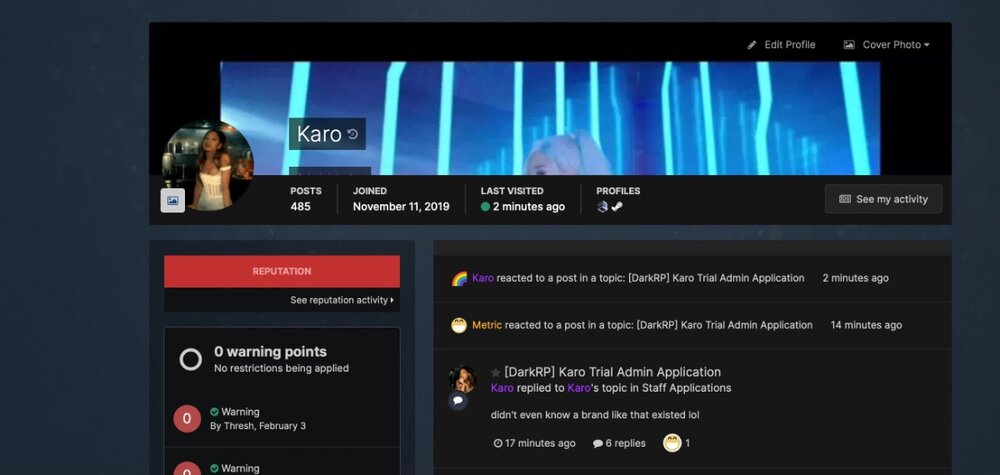
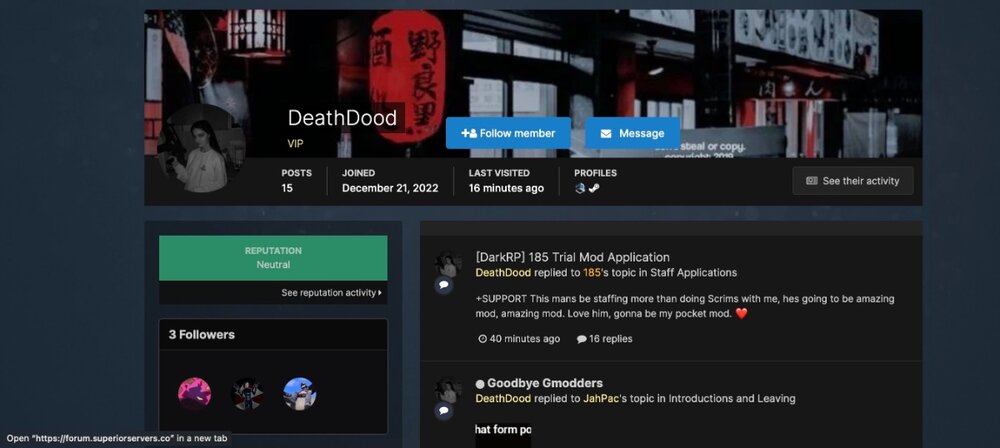
The rank can get cut off on depending on the websites mood. Don't know what's going on. I checked different profiles to see if Gif's or Ranks were causing it but doesn't seem like that's the reason.
-
damn, you gon take me to dinner first?
-
-
very fuckin smart, sound fair as fuck, aslo the part where you can only be revived once, smart job, keep it coming man.
-
seems like it was mainly on the suggestion from koala. seems good.
-
-
We get browser updates but no server updates, i cry.
-
first
-
Is this still going on?
-
i never knew it was a bug damn.
-
whats highs? i know i am dumb but explain please
-
I am dumb, can someone explain this we can kill NPC's now?
-
time to raid bois.
-
Amazing update. thank god I didnt lose C4 this time


