







Chieko
VIP
-
Joined
-
Last visited
Everything posted by Chieko
-

-
when you press on the evidence locker if your a government class.
-
Mr Penguin just so you know if you already didnt is that there is a spelling error inside the Evidence Area when you hit e it says Evedience instead of Evidence. Cool update thoi
-
-
https://forum.superiorservers.co/topic/63328-a-change-in-the-forums/page/2/?tab=comments#comment-881954
-
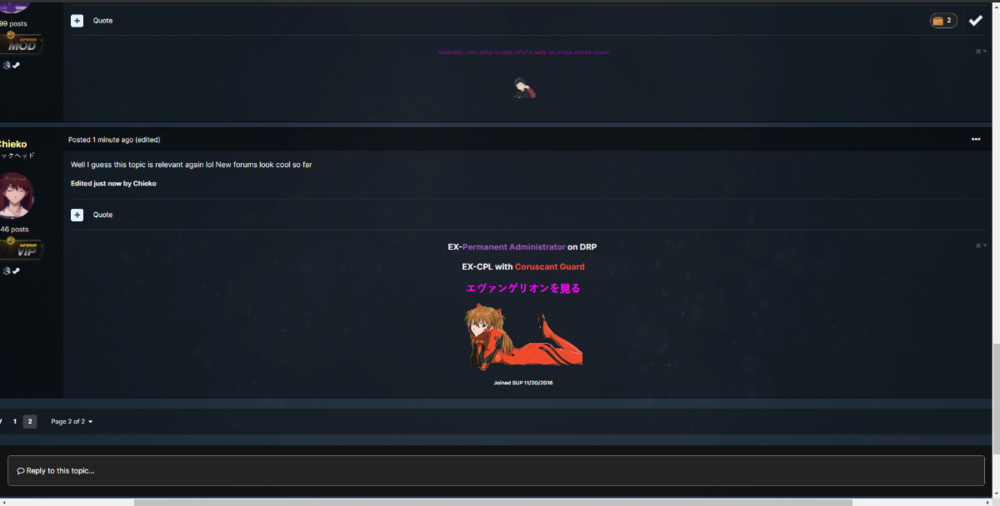
On some threads (Maybe the older ones) Ive noticed a scroller at the bottom of the webpage. Ill post a screeny in a sec @Scott
-
-
-
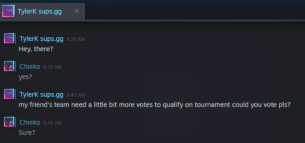
Yo @TylerK7 wtf I supported your team can you unblock me pls
-
-
Gayyyyyyy
-
damn bro cant spam pm Koala that day 😞 The exact day I was planning oin doing that aswell
-
Thanks Gamer
-
Ill deadass buy that
-
-
Penguin: Im not gonna make Profit from this Also Penguin: Keeps dropping very limited Items for like 20-50 bucks. Thats how penguins gonna make Profit!
-
Thanks Penguin very cool This why we love you baby. ❤️
-
-
Shutup smelly Cw main
-
Thanks Penguin
-
-
Thanks Garry very cool
-
Now this is epic penguin, very cool
-
Now this is amazing, thanks Stiffy
-
Thank you very much mr.Penguin


